V2 UI Overview
This page explains the main views in Aleph Web V2 and what each one is for.
Screenshot placeholder: Full V2 navigation menu with the current section highlighted.
Main views
| View | Purpose | Typical user action |
|---|---|---|
| Archive Explorer | Find and preview archive tiles (L1B) | Search and select tiles |
| Create Order | Place archive or tasking orders | Define geometry and parameters |
| My Orders | Track status and progress | Filter and open an order |
| Order Details | Inspect captures, deliverables, and events | Diagnose status changes |
| My Library | Access delivered imagery | Download or view deliverables |
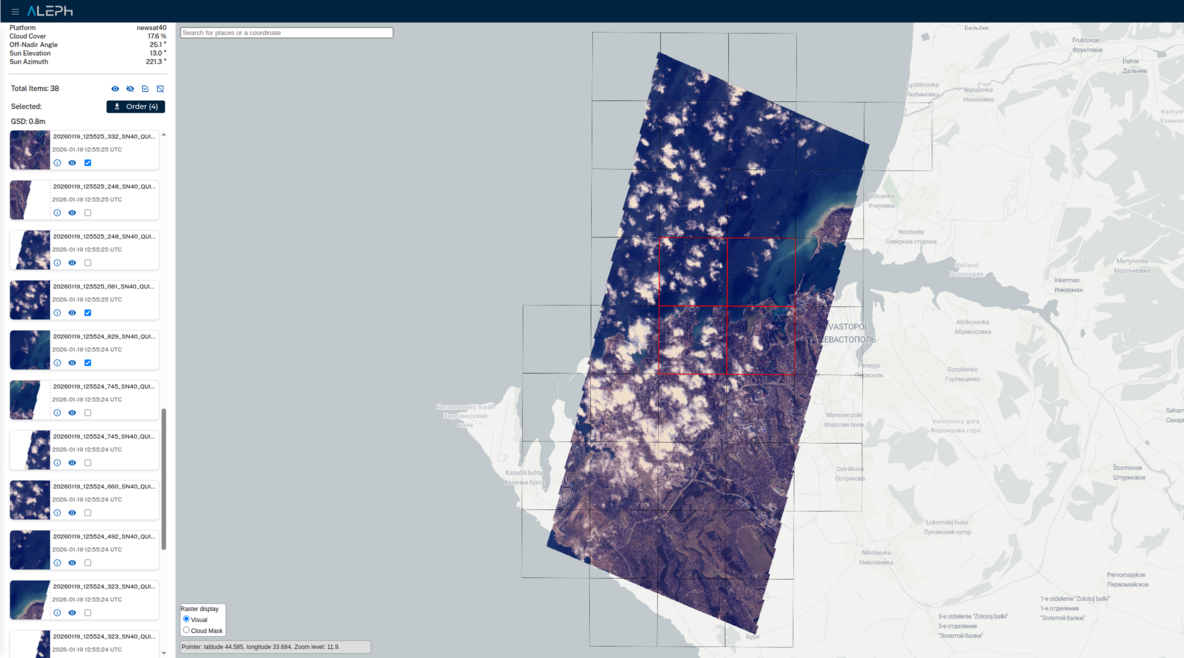
Selecting tiles from a capture
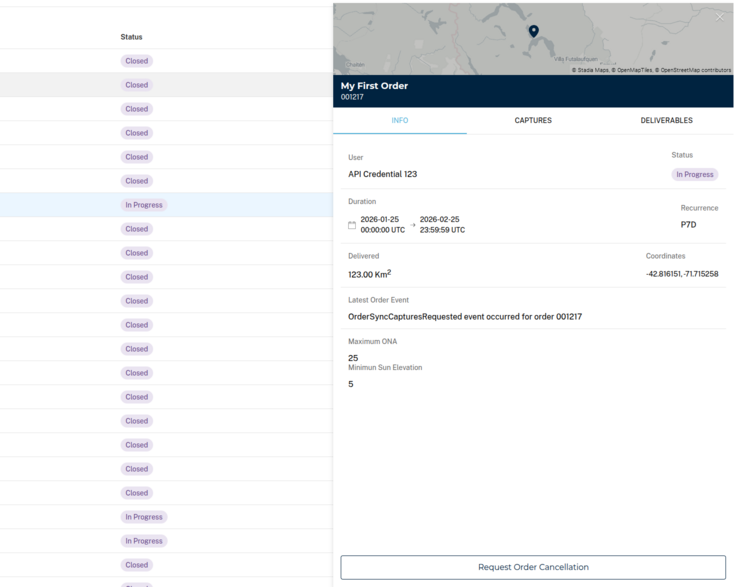
Order details, main view
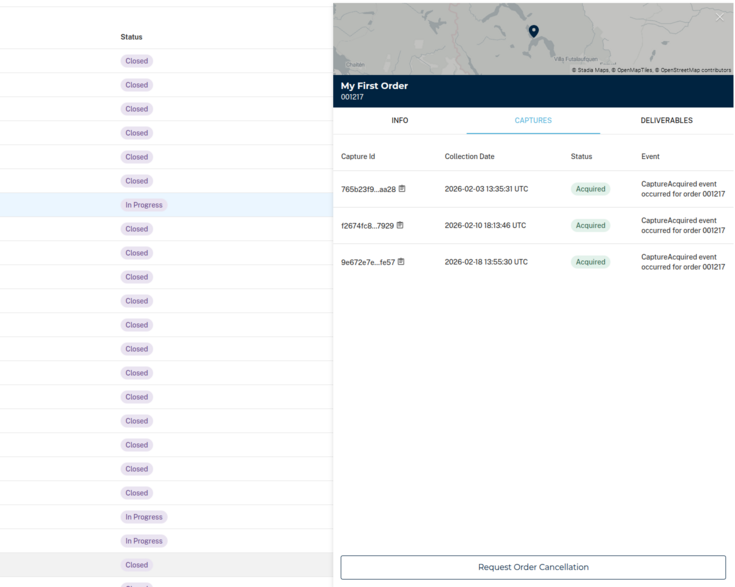
Order details, captures view
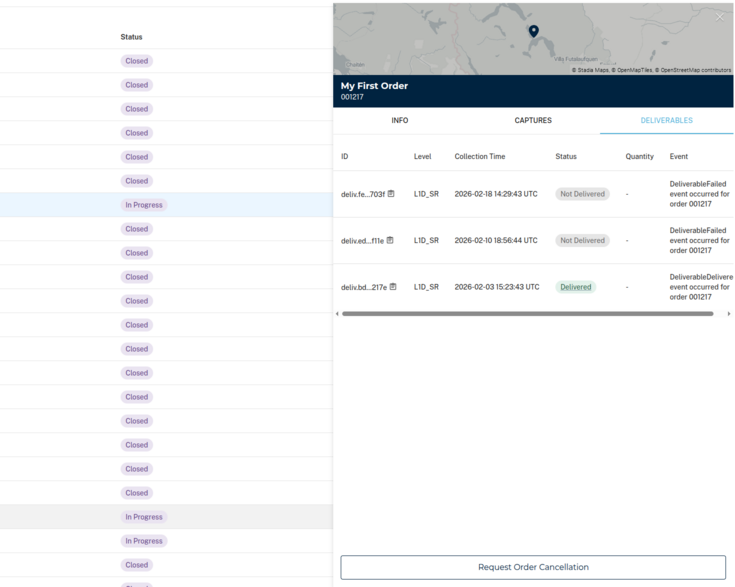
Order details, deliverables view
Navigation tips
- Start with Archive Explorer when you need existing imagery.
- Use Create Order to request capturing new imagery (tasking products).
- My Orders is the source of truth for progress and delays.
- My Library is where completed deliverables live.
From V1 web? Our V1 web guides for archive, tasking, and getting started are still available, but we recommend the V2 workflows above for better control and observability.