Aleph V2 Quickstart
Welcome to Aleph Web V2. This guide helps you get oriented fast and points you to the right workflow for your product.
Who this is for
- Users moving from V1 web or legacy APIs to the V2 web experience.
- New users who need to browse archive imagery or place tasking orders.
Coming from V1? Spend 10 minutes on Adopting Aleph V2 to understand the migration path. Then see Core Concepts (V2) for a side-by-side V1↔V2 terminology map.
What changed in V2
- Get archive imagery clipped to your exact area in any processing level.
- Track order status, deliveries, and failure reasons in one place.
- See detailed events for each order stage to understand what happened.
- Preview capture opportunities with cloud cover forecast before placing a tasking order.
- Use new filters and capabilities in the web UI to refine your searches and orders.
Start here
- Read the core model in Core Concepts (V2): what orders, captures, deliverables, and events mean.
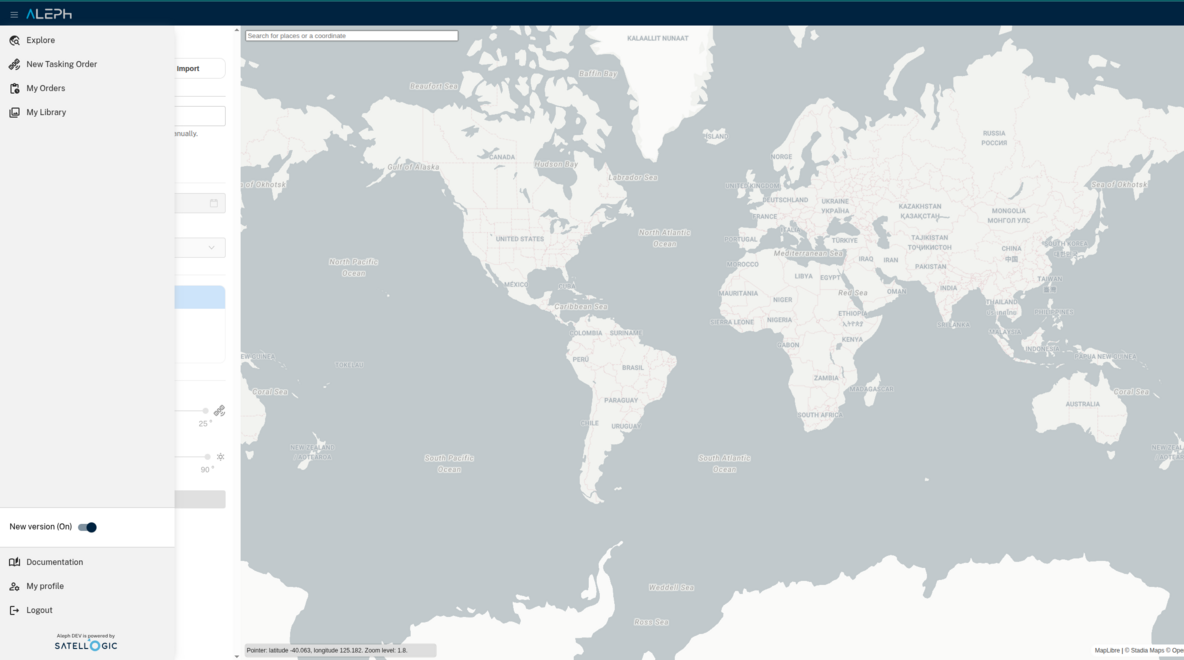
- Scan V2 UI Overview to learn where each job happens in the UI.
-
Go to the workflow for your product: